Home
Your day at a glance
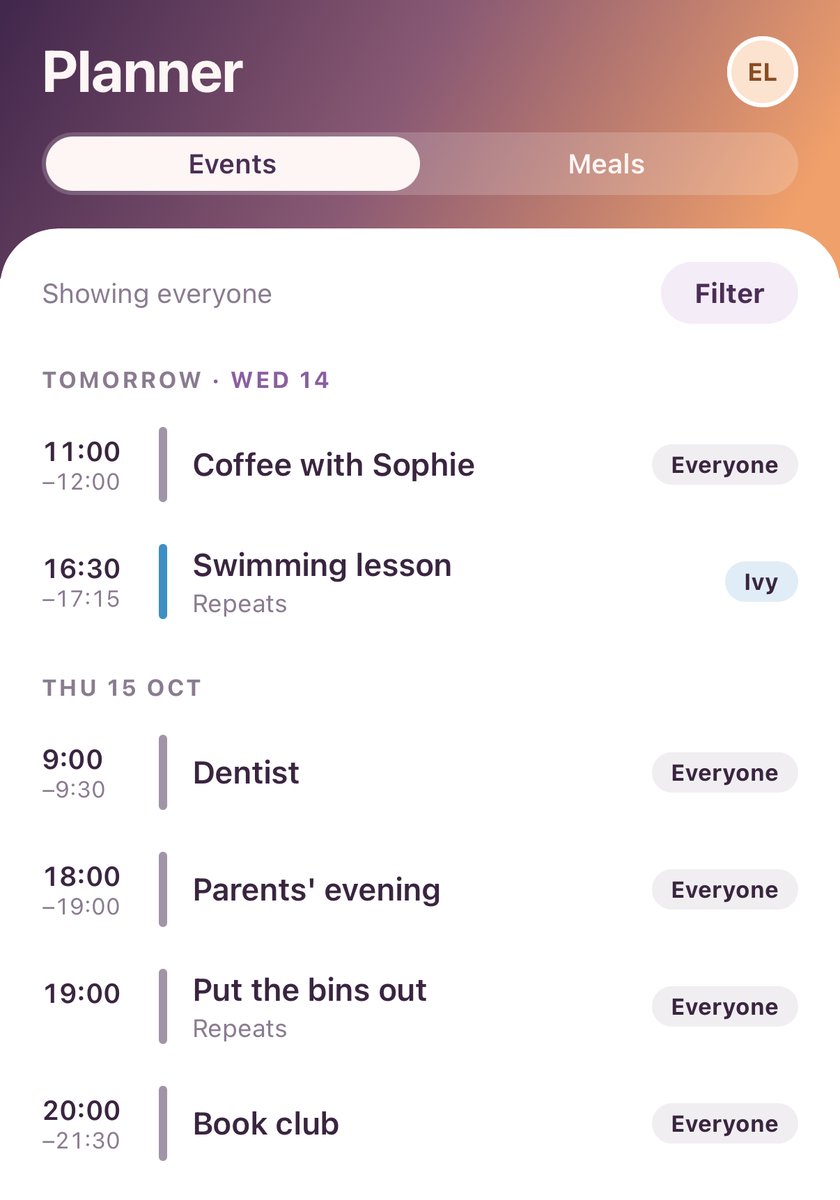
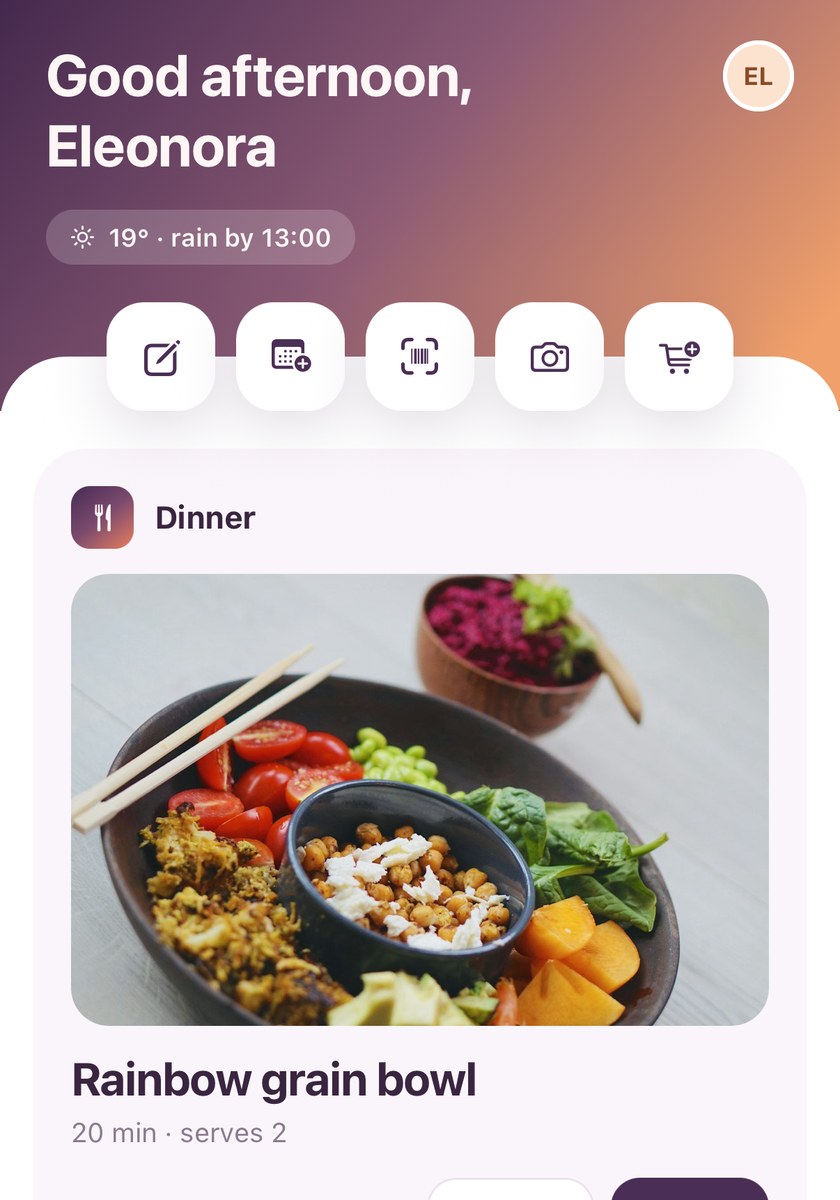
- The top shows what's next, anything due today, and the weather if you turn it on.
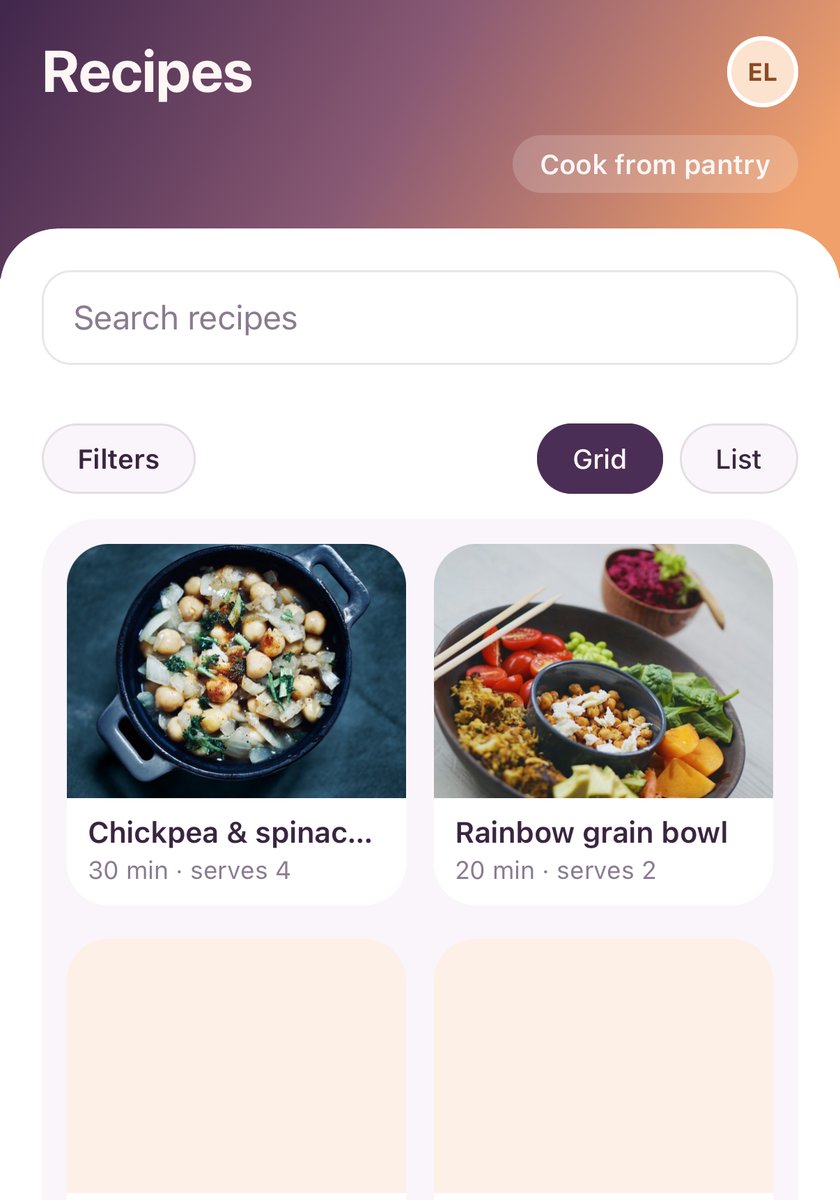
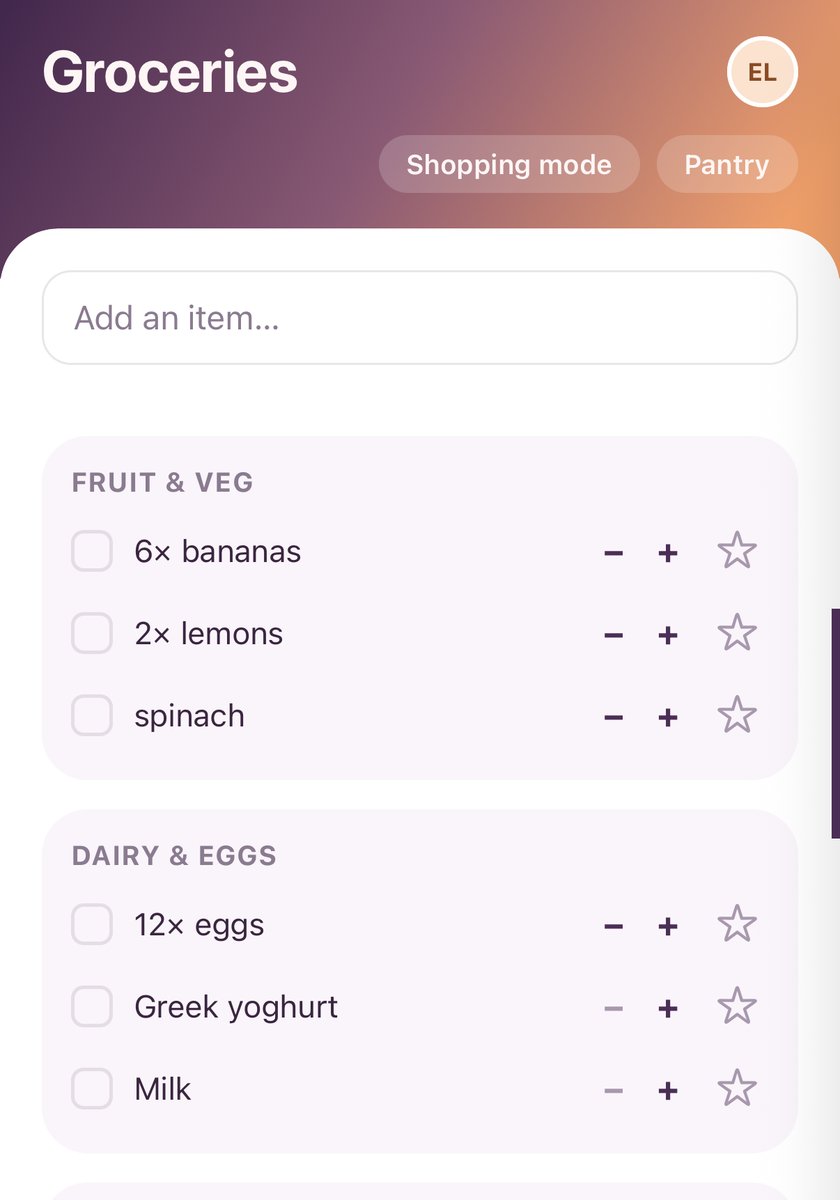
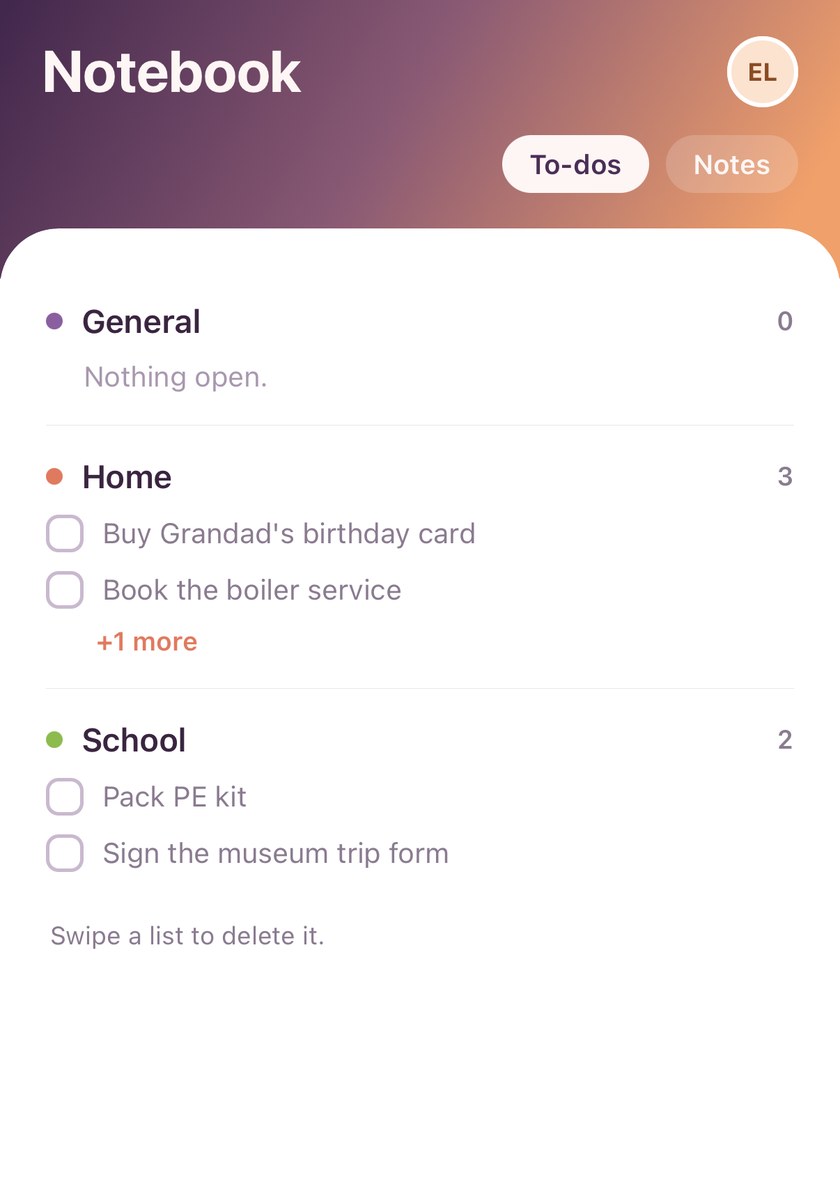
- The round buttons under the header add things without leaving Home. The pencil asks To-do or Note: a to-do picks its list (with a reminder if you like), a note picks its topic. Others add an event or groceries, leave a note on the household board, scan a barcode or snap a dish.
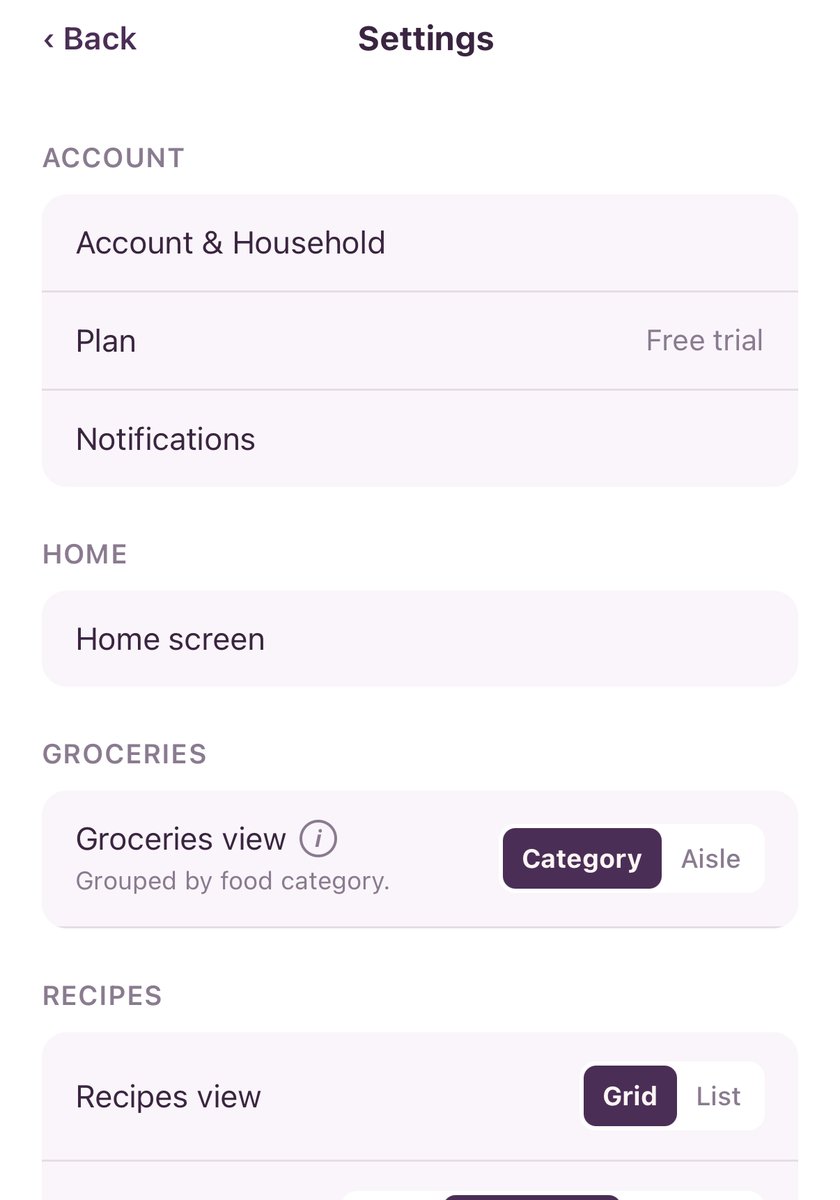
- The big card is yours to choose: meals, your week, the shopping list, the next event or the household board. Pick it in Settings › Home screen.
- What's coming lists to-dos to tick off and the next few plans.
TipYour answers when you first set up chose the big card and whether the household board shows. Change either any time in Settings › Home screen. Tap your initials, top right, for Settings.